Guide · November 2026
To add a plugin to Ableton Live, install it to the default folders, open Settings > Plug-Ins (Ctrl and comma on Windows, Cmd and comma on a Mac) and switch on the plug-in sources: VST3 System Folders, Audio Units on a Mac, and a VST2 custom folder on Windows. Press Rescan. The plugin appears under Plug-Ins in Live’s browser.
Updated 10 November 2026 by Sonisto, which makes the plugin manager this guide mentions. Every setting and folder below is from Ableton’s Live 12 manual and its help articles for Windows and Mac, read on 10 November 2026, when Live 12.4.16 was the latest release.
| Format | Windows | macOS |
|---|---|---|
| VST3 (.vst3) | C:\Program Files\Common Files\VST3 | /Library/Audio/Plug-Ins/VST3 |
| VST2 (.dll on Windows, .vst on Mac) | One folder you choose; Ableton calls C:\Program Files\Common Files\VST2 a safe choice | /Library/Audio/Plug-Ins/VST |
| Audio Units (.component) | not available on Windows | /Library/Audio/Plug-Ins/Components |
Live has no plugin folder of its own: it reads the system folders and any custom folder you give it. On a Mac some installers use your user Library instead (~/Library/Audio/Plug-Ins/, hidden by default), so look there if a plugin is not in the folders above. Live 10 and later load only 64-bit plugins, and Live does not load AAX, the Pro Tools format. For every format and DAW, see where every plugin format installs.
| Setting | Windows | macOS |
|---|---|---|
| VST3 System Folders | On | On |
| VST3 Custom Folder | Off | Off |
| VST2 Custom Folder | On, set to your VST2 folder with Browse | Off |
| VST2 System Folders | not listed for Windows | On |
| Audio Units v2 | not available on Windows | On |
| Audio Units v3 | not available on Windows | Off |
These are the typical settings from Ableton’s own troubleshooting article. Turn a custom folder on only for plugins an installer put somewhere else.
Use the maker’s latest installer, or its product portal app, and keep the default folders. Ableton asks for the system drive (C: or Macintosh HD), not an external drive or cloud storage, and advises a fresh install over copying plugin files from an old computer.
Settings are in the Options menu on Windows and the Live menu on a Mac; Ctrl and comma or Cmd and comma also opens them. Choose the Plug-Ins tab and find the Plug-In Sources section. Older versions call it Preferences.
Switch on VST3 System Folders, and on a Mac Audio Units v2 and VST2 System Folders. On Windows, press Browse beside the VST2 custom folder, pick the folder your VST2 plugins installed to and switch Use VST Plug-In Custom Folder on.
Live picks up a plugin installed while it is running only after you press Rescan, or after a restart. Holding Alt (Windows) or Option (Mac) while you press Rescan deletes Live’s plug-in database and scans everything again, which takes longer.
Open the Plug-Ins label in Live’s browser and drag the plugin onto a track. In Live 12 the Format filter and each plugin’s icon show whether it is the AU, VST2 or VST3 version.
Most trouble in Ableton’s forums starts here: a custom folder set to a busy folder, or to the same place as the VST3 folder. Ableton’s rules:
Ableton’s own checklist, in the order it gives:
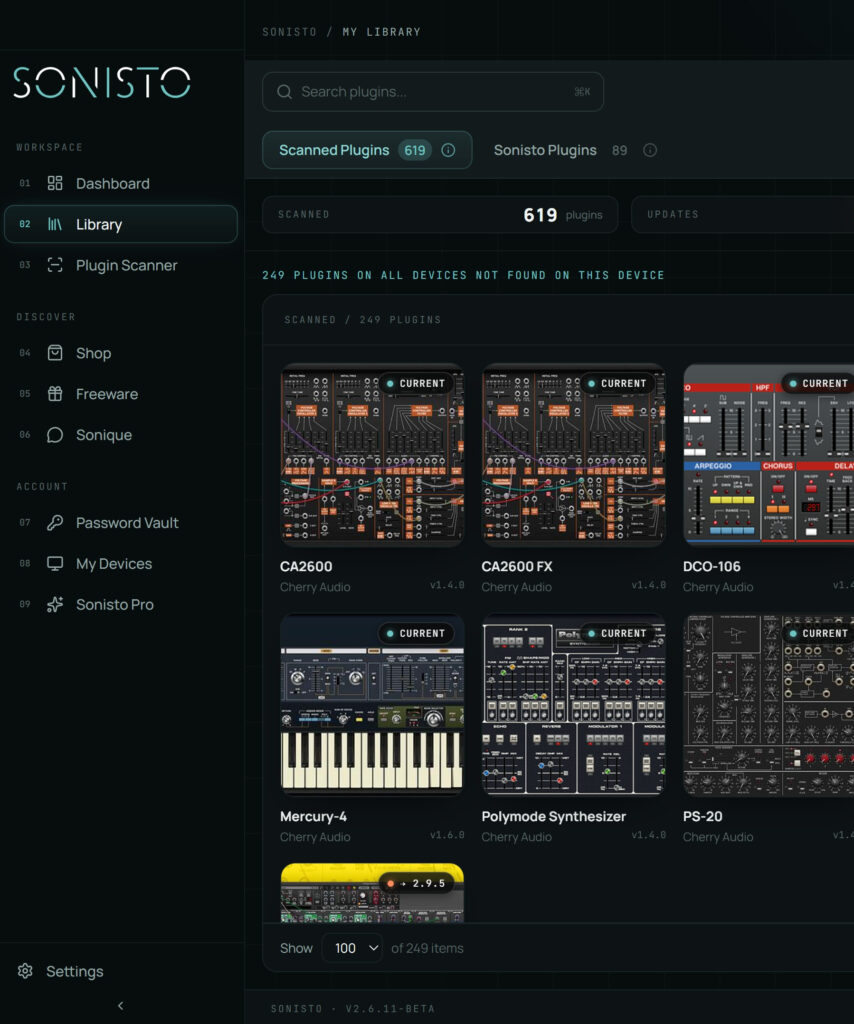
Live’s settings only help once you know the folder, and an installer can pick its own. Sonisto’s free scan lists the VST2, VST3, AU and AAX plugins on your computer, and a plugin’s Files table shows the Location of each format, with a button that opens it in Finder or Explorer. That tells you whether a VST3 copy sits in the system folder and which folder to give Live as the VST2 custom folder. On a Mac, add /Library/Audio/Plug-Ins/VST in Sonisto’s Scanner with + Add path so VST2 plugins are listed too. The scan only reads what is installed. See every plugin and where it is installed: scan with Sonisto, free.
The Free plan covers one computer, one scan a month and update notices for 10 plugins. Basic and Pro show updates for every plugin and add the export and the comparison between computers. See the plans side by side.
Live has no plugin folder of its own. It reads the system folders, such as C:\Program Files\Common Files\VST3 on Windows and /Library/Audio/Plug-Ins/VST3 or Components on a Mac, plus one VST2 and one VST3 custom folder you can set in Settings > Plug-Ins. On Windows, VST2 plugins need that custom folder.
Usually the plug-in source is switched off, the plugin is in a folder Live does not read, or Live has not rescanned since the install. Check Settings > Plug-Ins > Plug-In Sources, then press Rescan, holding Alt or Option for a full rescan. Also check the plugin is 64-bit and, on an Apple silicon Mac, built for it.
Open Settings > Plug-Ins and press Rescan. Live needs this for a plugin installed while it was open; otherwise it finds it at the next start. Hold Alt on Windows or Option on a Mac while you press Rescan to delete Live’s plug-in database and scan every plugin again.
Ableton says there is no correct format; install the latest version of each. AU runs only on a Mac and has no direct MIDI output, so share projects with Windows using VST. Use one format of a plugin throughout a Set, and for Waves on a Mac use VST3, since Live does not support Waves AU.
No. Live loads VST2 and VST3 plugins on Windows and on a Mac, and Audio Units on a Mac. AAX is the Pro Tools format, so an AAX-only download never shows up in Live. Most makers’ installers offer VST3 as well; choose it when you install.
More: how every DAW finds your plugins, how to add plugins to FL Studio, VST, VST3, AU and AAX explained and installing a batch of new plugins after a sale. All guides.
Scan your computer, see what you own and keep your setup under control with Sonisto.
Download the Sonisto Desktop App now and get ready to scan and organize.
Sonisto runs on Mac and Windows. Send yourself the link and download it on your computer.