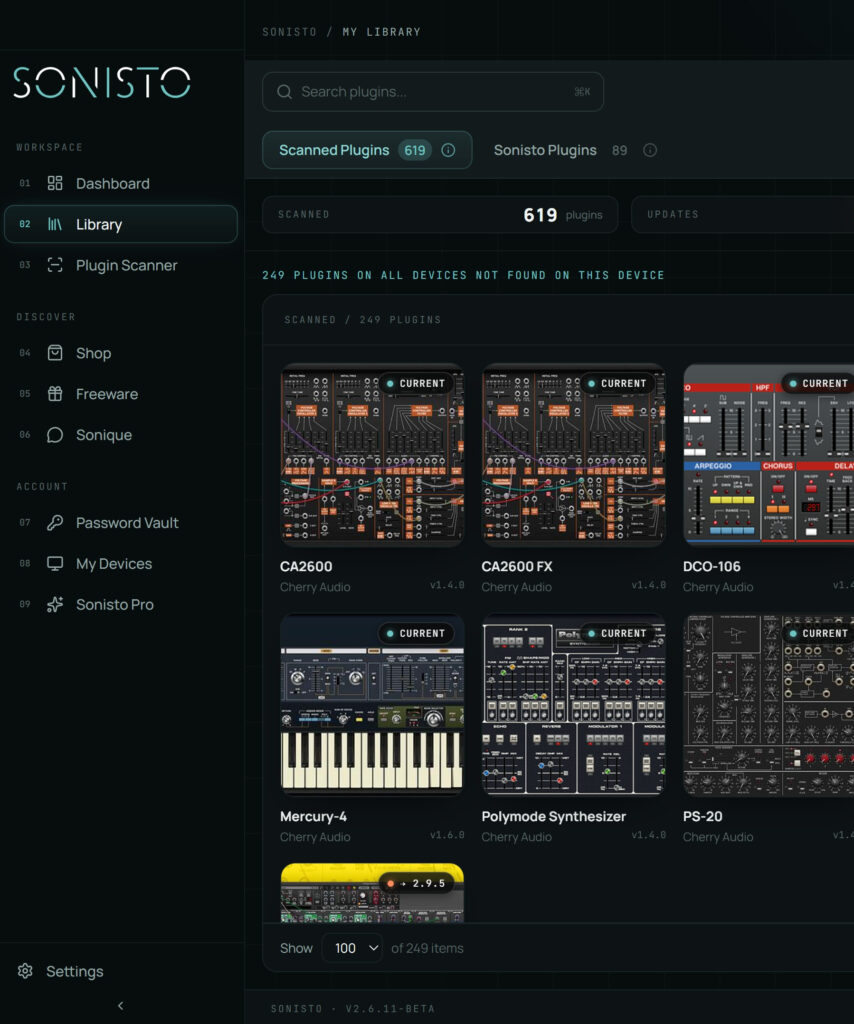
Sonisto is an audio plugin organizer and VST manager for Mac and Windows, free to start. Scan your computer, organize your plugins and keep track of updates. Paid plans add a vault for your credentials and a comparison of your computers.
Sonisto is an audio plugin organizer and VST manager for Mac and Windows, free to start. Scan your computer, organize your plugins and keep track of updates. Paid plans add a vault for your credentials and a comparison of your computers.
Black Friday is in the Sonisto app. Every paid plugin you buy there earns Sonisto credit.
On Basic and Pro, the passwords you keep in the Password Vault are encrypted and stored securely.
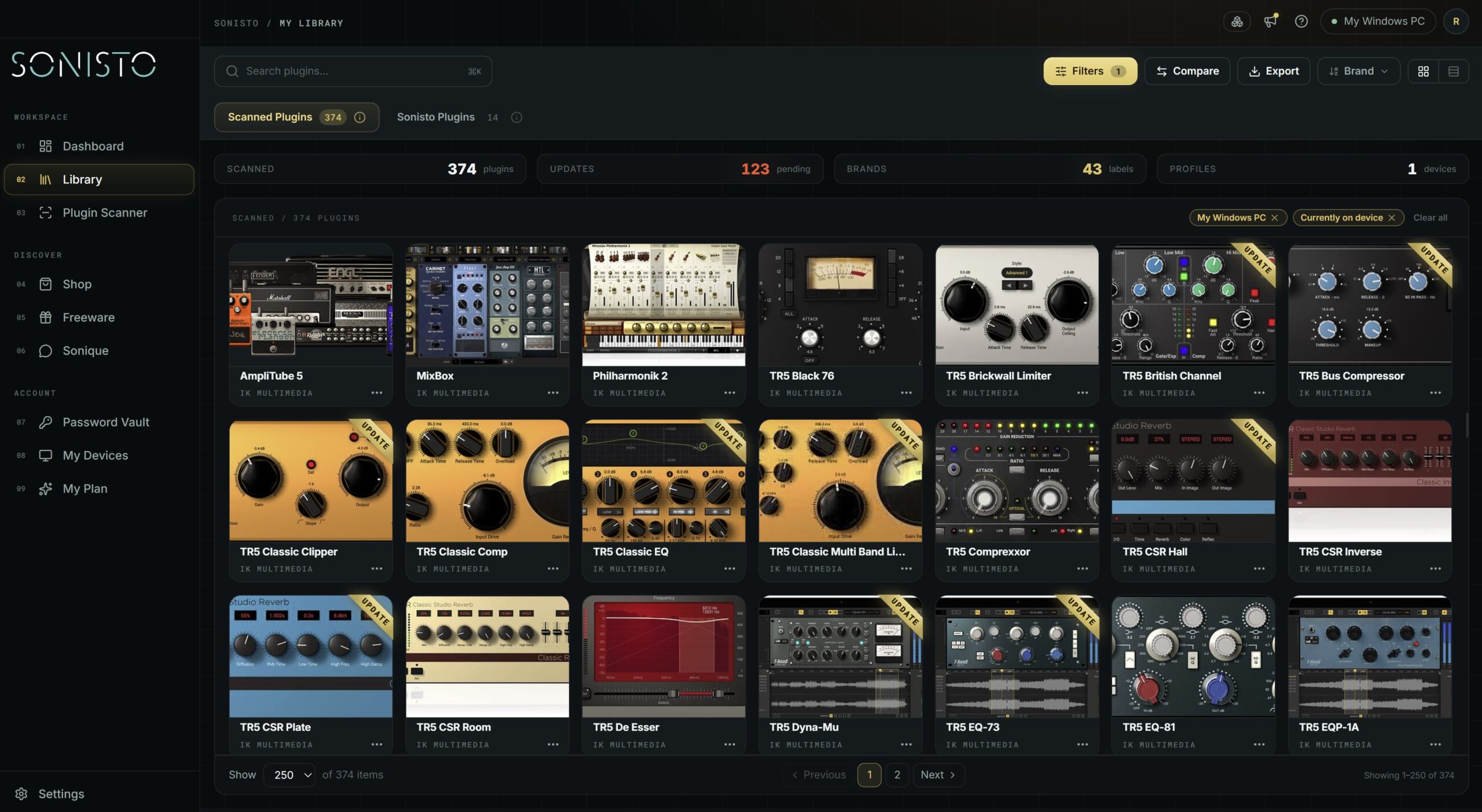
Sonisto scans your computer and automatically identifies your installed plugins, turning them into one organized, searchable library.
See what you have installed, where it is installed and which version it is, without digging through folders, installers and manufacturer apps.

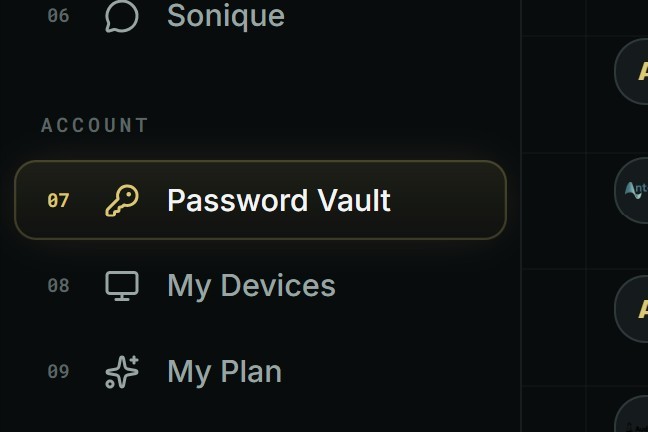
Store login details, passwords and serial keys alongside the brands and products they belong to.
Your passwords and serial keys are encrypted and stored securely, so when you need to reinstall or authorize something, the information is already there. Where to keep plugin serial numbers
Compare setups:
Use it to understand your tools, solve production problems or get help navigating Sonisto.
For example:
Keep plugin logins, passwords and serial keys in one secure place.
See when updates are available for plugins in your Library.
Jump straight to the latest installer or download manager.
See what’s installed, missing or different across your computers.
Sonisto Pro: what Pro includes.
Free earns 5%, Basic 8% and Pro 12% of the price before tax. Spend it on your next plugin in the Sonisto shop, which you can browse in the app.
A plugin manager is an app that keeps track of the audio plugins installed on your computer. Sonisto is a plugin manager for Mac and Windows with a free plan. It scans your computer and turns every installed VST, AU and AAX plugin into one searchable library, sorted by brand. Depending on the product, it shows the installed version, the latest available version and where the plugin file is installed. It tells you when a plugin needs updating and takes you to the latest installer, so you stop checking manufacturer websites and download managers one by one. The free plan covers one computer, one scan a month and update alerts for 10 plugins. The paid Basic and Pro plans add unlimited update alerts, an encrypted vault for serial keys and passwords, and a comparison of the plugins on your computers. A first scan usually takes under a minute.
Yes. Sonisto is an audio plugin organizer as well as a plugin manager. It scans your computer and puts every VST, AU and AAX plugin into one searchable library, sorted by brand, so you can see what you own and where each plugin is installed. Scanning only reads what is there: your plugin files stay where they are.
No. A scan only reads what is installed and builds the overview. Sonisto does not change, move or delete any of your installation files.
Sonisto is a desktop app for macOS and Windows. Linux and 32-bit plugins are not supported.
Yes, to start. Sonisto Free covers one computer, one scan a month, update alerts for 10 plugins and free plugins. Basic ($2.99 a month or $29.99 a year) adds two computers, 20 scans a month, unlimited update alerts, the password vault and computer comparison. Pro ($9.99 a month or $99.99 a year) covers up to 10 computers with unlimited scans, and Pro yearly comes with 12 plugins to claim and keep. Compare the plans.
Usually under a minute. A very large plugin library or a slow computer can take up to about 10 minutes.
A manufacturer’s own app, such as Native Access, manages that manufacturer’s products. Sonisto lists every plugin on your computer, from every brand, in one library, and links each one to its maker’s latest installer. See how the main plugin managers compare.
Used PlugPane? See the PlugPane alternative.
Yes. Sonisto Access Manager was the earlier name of the Sonisto desktop app. The new app, version 3.0, launched on 9 September 2026 as Sonisto, and its page moved from /access-manager/ to /desktop-app/ on 24 September 2026. It is the same plugin manager for Mac and Windows: download the current version from this site.
Scan your computer, see what you own and keep your setup under control with Sonisto.
Download the Sonisto Desktop App now and get ready to scan and organize.
Sonisto runs on Mac and Windows. Send yourself the link and download it on your computer.