Guide · October 2026
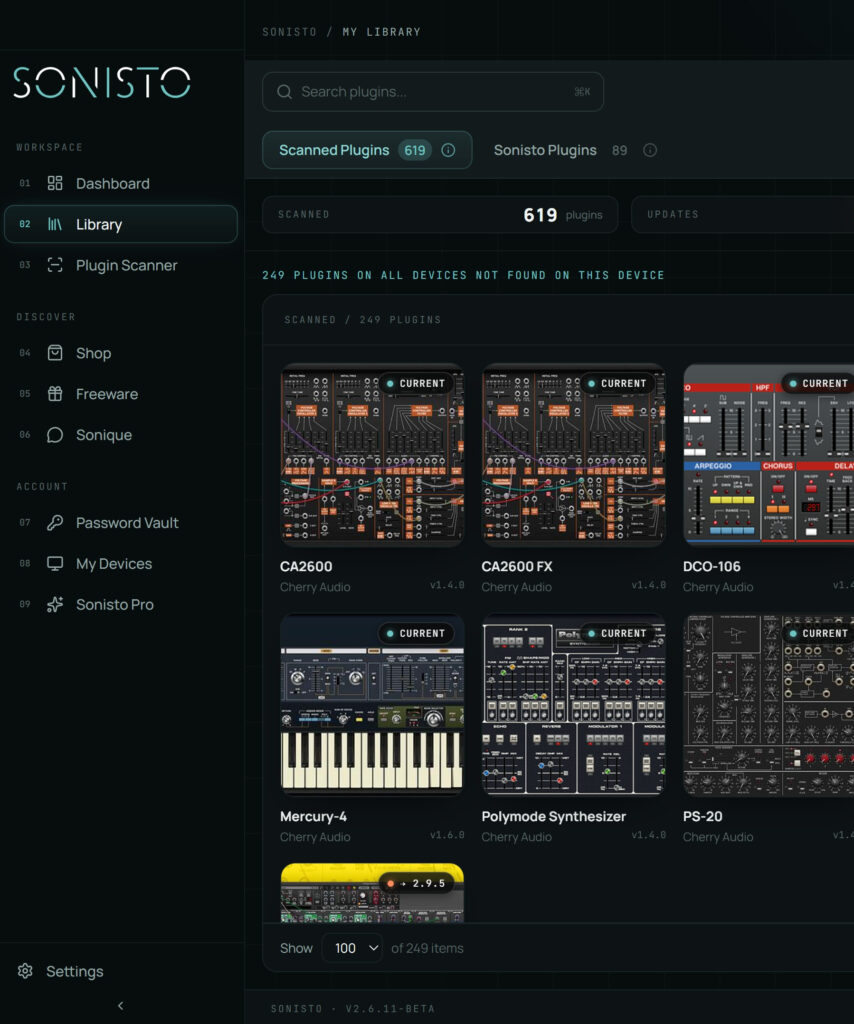
Keep every plugin’s license details in one encrypted place, listed by brand: the serial number or license key, the account email it is registered to, the store and date you bought it, and where it is activated. A password manager works. Sonisto’s Basic and Pro plans have a vault for serial keys and logins next to the plugins its scan finds, so the key sits beside the plugin it unlocks. Do not keep them in a spreadsheet or in old emails.
Updated 22 October 2026 by Sonisto, which makes the plugin manager this guide mentions.
A code you type in the first time the plugin opens. Write down the code, the email it was sold to and the store. Many developers can resend it if you know that email.
Many brands activate through a login in their own app (Native Access, Waves Central, Arturia Software Center, UA Connect). The license lives in the account, so what you need to keep is the email and the password, and how many computers the account allows at once.
Plugins protected by PACE iLok are activated in iLok License Manager, either on an iLok USB key, on the computer itself, or in iLok Cloud (which needs an internet connection while you work). Keep your iLok account details and a note of where each license sits, because a license on a computer has to be moved before that computer is wiped.
Some plugins are unlocked with a small file you download, or a code exchanged with the developer’s site. Keep the file itself, not only the email it came in.
Brand and product, the license type, the code or account, the purchase date and store, and the computers it is activated on. With that, a new computer or a crashed drive is an afternoon of installing instead of a week of support emails.
Native Instruments: in your Native Instruments account, shown in Native Access, where a serial is added with Add Serial. iZotope subscriptions moved to Native Access in 2025.
Kontakt libraries with a serial: added in Native Access with Add Serial, like a Native Instruments product.
Softube: in the iLok account linked to your Softube account. Softube Central activates them; with Softube’s direct installers you activate in iLok License Manager.
Plugin Boutique: the serial numbers, unlock codes and key files for what you bought there are in the Products section of your Plugin Boutique account. You enter them in the maker’s app or in the plugin.
iLok: iLok License Manager shows which licenses are on which computer, USB key or iLok Cloud.
Write the account email next to each brand. Sonisto’s Basic and Pro plans keep serials and logins in a vault next to the plugin each one unlocks.
In one encrypted place, listed by brand: a password manager, or a plugin manager with a vault. Sonisto’s Basic and Pro plans keep serial keys and logins in a vault next to the plugins its scan finds; the Free plan has no vault.
Licenses stored on a computer are tied to that computer, so ask the plugin’s developer or iLok support to recover them. Licenses on an iLok USB key or in iLok Cloud are not tied to one computer.
Yes. Most activations are limited to a number of computers, so release them in each developer’s app or in iLok License Manager before you wipe or sell the old machine.
Changing computers? See how to move your plugins to a new computer. Or see where every plugin format installs. See what Sonisto does.
Scan your computer, see what you own and keep your setup under control with Sonisto.
Download the Sonisto Desktop App now and get ready to scan and organize.
Sonisto runs on Mac and Windows. Send yourself the link and download it on your computer.