Guide · November 2026
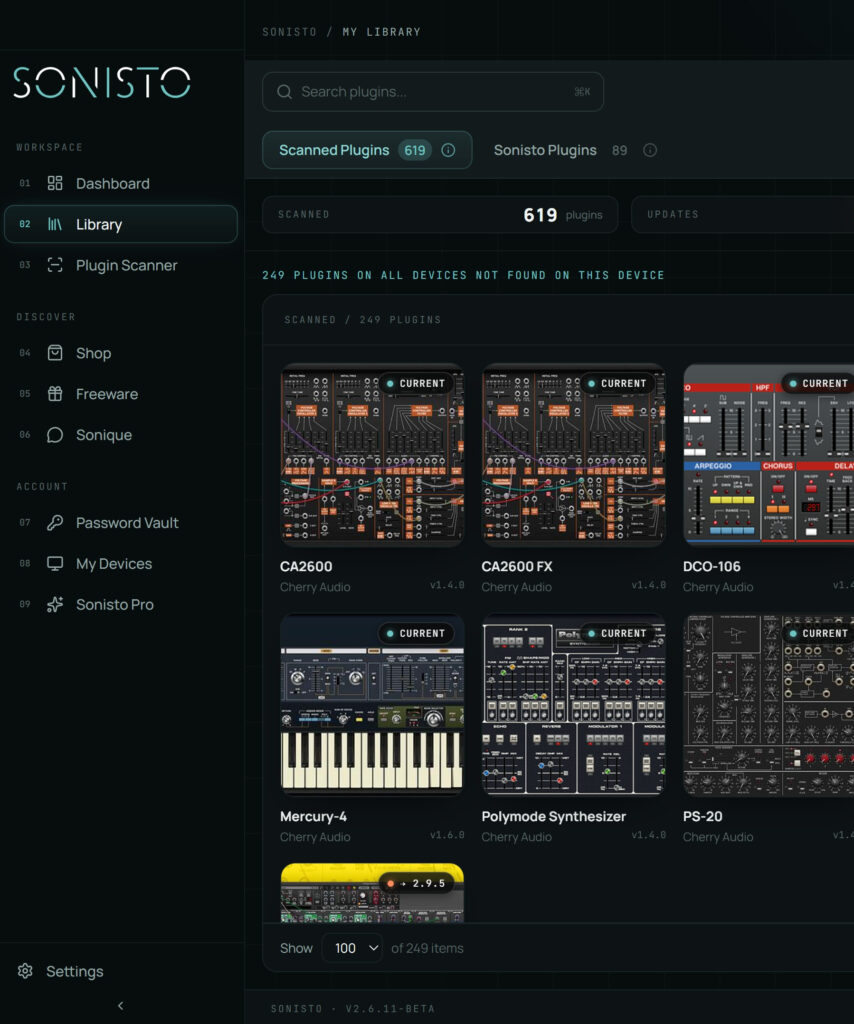
VST, AU and AAX are plugin formats, and the one you need depends on your DAW. Logic Pro needs AU, Pro Tools needs AAX, and most other DAWs read VST3. VST3 replaced VST2: Steinberg ended support for the VST2 developer kit in 2018, but some older plugins exist only as VST2. An installer may add several formats at once, so the same plugin can sit on your computer two or three times. A plugin manager such as Sonisto scans a Mac or Windows computer and shows which formats of each plugin are installed.
Updated 6 November 2026 by Sonisto, which makes the plugin manager this guide mentions.
Logic Pro reads AU. Pro Tools reads AAX. Cubase and Nuendo read VST3, and Steinberg is phasing VST2 out. Ableton Live, FL Studio, REAPER and Studio One read VST3 and VST2, and on a Mac also AU.
A file ending in .vst3 is VST3. A .vst on a Mac or a .dll on Windows is VST2. A .component is AU. A .aaxplugin is AAX.
If you only use Logic, your Mac does not need the VST copies. Move them out of the plugin folder rather than deleting them, so you can bring them back.
A project saved with a VST2 plugin looks for that version. Some makers let the VST3 version take over, and some do not. Open an old project without the VST2 copy before you let it go.
| Format | Runs on | Used by | File | Common folder on a Mac | Common folder on Windows |
|---|---|---|---|---|---|
| VST3 | Mac, Windows | Most DAWs, but not Logic Pro or Pro Tools | .vst3 | /Library/Audio/Plug-Ins/VST3 | C:\Program Files\Common Files\VST3 |
| VST2 | Mac, Windows | Many DAWs; on its way out | .vst, .dll | /Library/Audio/Plug-Ins/VST | Where the installer chose, often C:\Program Files\VSTPlugins |
| AU | Mac only | Logic Pro, GarageBand and most Mac DAWs | .component | /Library/Audio/Plug-Ins/Components | None |
| AAX | Mac, Windows | Pro Tools and Avid Media Composer | .aaxplugin | /Library/Application Support/Avid/Audio/Plug-Ins | C:\Program Files\Common Files\Avid\Audio\Plug-Ins |
CLAP is a newer open format that REAPER and Bitwig Studio read, among others. Few plugins need it yet. More on the folders in our guide to plugin folders.
It is the current format and the one Steinberg supports, so it is the one to choose when you have both, provided your old projects still open.
It should not. A plugin’s sound comes from its own code, and makers build each format from the same code. If a maker’s format versions differ, its notes will say so.
In Logic you need AU. In DAWs that read both, such as Ableton Live, FL Studio, REAPER and Studio One, either works, so pick one and keep your plugin list short.
You have more than one format installed and your DAW reads both. Move out or hide the copy you do not use. Our guide to the plugin manager inside each DAW shows where.
64-bit VST2, VST3, AU and AAX, and a plugin’s details show which formats are installed. A scan only reads what is installed. It does not change any files.
See plugin folders, the plugin manager inside each DAW or all guides. See what Sonisto does.
Scan your computer, see what you own and keep your setup under control with Sonisto.
Download the Sonisto Desktop App now and get ready to scan and organize.
Sonisto runs on Mac and Windows. Send yourself the link and download it on your computer.